
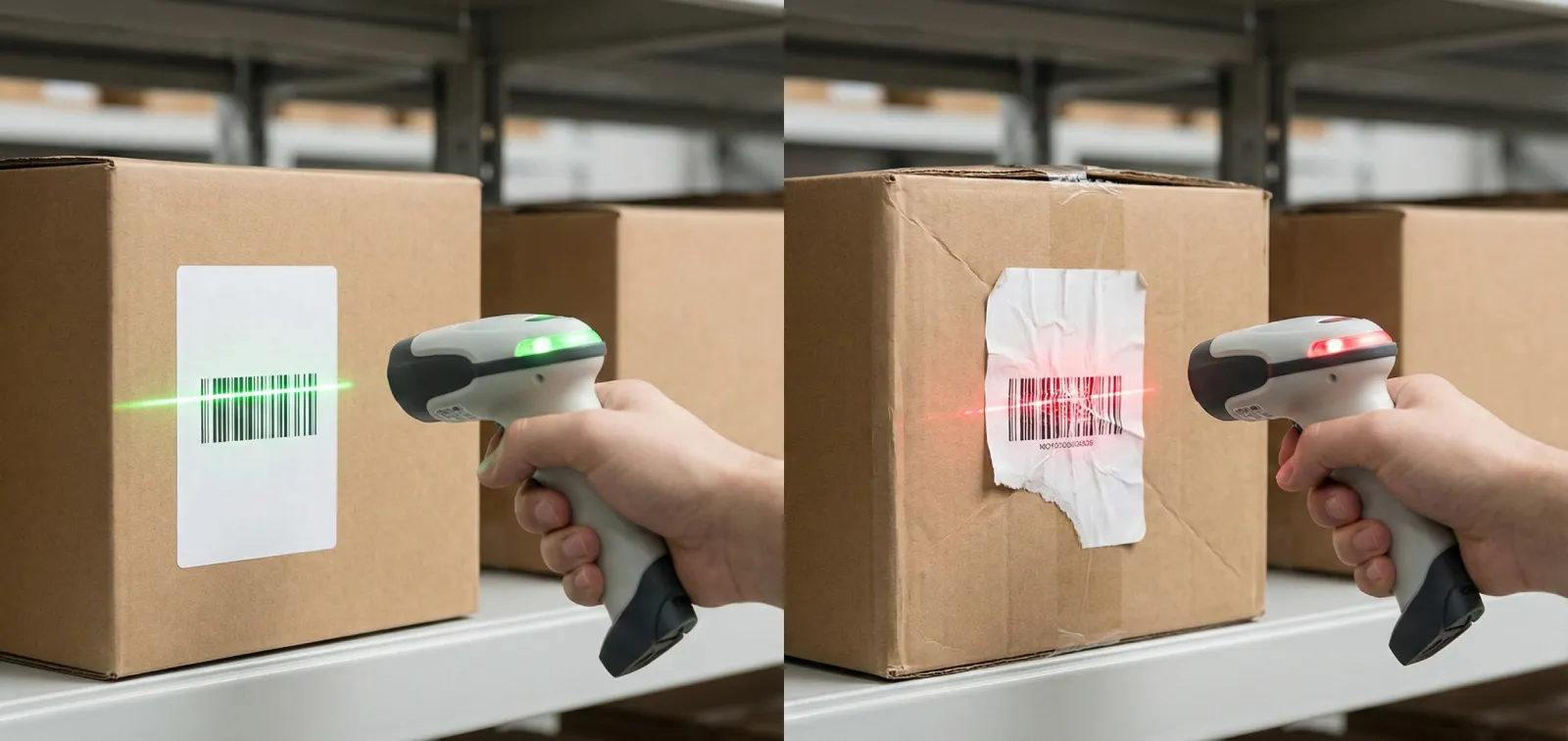
Labels are the user interface of your warehouse. If a label is faded, reflective, or wrapped around a corner, your expensive inventory system is useless. A picker struggling to get a beep is not just losing time; they are losing focus.
You don't need a design degree to fix this. You just need to respect the physics of the scanner. Here are the practical rules for labels that work.
1. Respect the "Quiet Zone"
Barcodes need personal space. Every code requires a blank white margin on both the left and right ends. This tells the scanner where the data begins and ends.
A common mistake is cramming a barcode into a tight box or letting text bleed into the edges. If you crowd the code, it won't scan. Give it at least 5mm of breathing room on the sides.
2. Matte is Better Than Glossy
Shiny labels look premium, but they are a nightmare for scanners. Glossy surfaces reflect the scanner's light (especially laser or LED aiming dots), blinding the sensor. Always choose matte finish paper or synthetic material. It absorbs the glare and lets the scanner see the contrast.
3. Location, Location, Location
Placement consistency is the secret weapon of speed. If your team knows exactly where to look, they scan instinctively.
Placement Rules
- Never bend the code:Do not wrap a barcode around the corner of a box or a round tube. The scanner needs a flat plane.
- Eye level:For shelf labels, place them where they can be seen without crouching.
- The "Four Sides" Rule:For pallets, place a label on all four sides so a forklift driver never has to dismount to find it.
4. 1D vs. 2D: Pick Your Fighter
Should you use the classic stripes (1D) or the square QR style (2D)?
Best for simple Product IDs. They are universally readable but take up more horizontal space.
Best for complex data (Serial # + Lot + Expiry). They are smaller, can be scanned from any angle, and hold data even if slightly damaged.
5. Free Tools Exists
You don't need expensive enterprise software to print good labels. We built LabelCodes.com as a free tool. You can import your Excel sheet, generate thousands of QR or barcodes, and print them to PDF instantly. It handles the quiet zones and formatting for you.
Summary
A label is a tool, not a decoration. Make it matte, give it space, and stick it flat. Your team will thank you.